



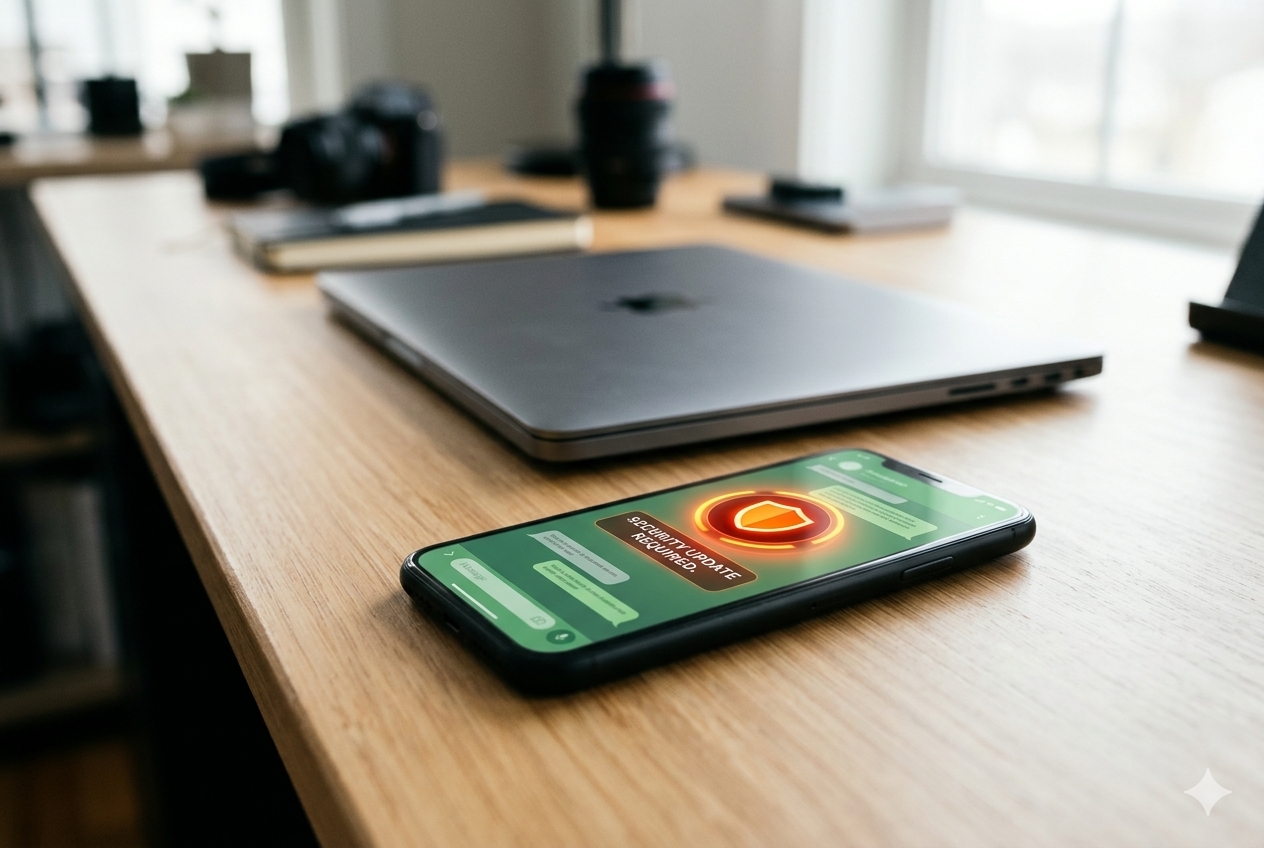
Recently, CERT-In, the Indian government’s cyber security agency, issued a major warning. It states that there are several significant vulnerabilities in the WhatsApp and WhatsApp Business applications. This applies not only to Android and iPhone users but also to those who use WhatsApp on Windows or Mac computers. Let’s look at why it is crucial to update your app immediately.
Nowadays, it is hard to go even a single day without WhatsApp. From personal conversations to office work, sharing photos, or sending important documents—we rely on it for everything. However, CERT-In (Computer Emergency Response Team – India) reports that security issues in older versions of the app could put both your data and your device at risk.
On November 26, 2026, CERT-In issued a security alert labeled ‘CIVN-2026-0576,’ which highlights five vulnerabilities in WhatsApp. This alert has been classified as ‘HIGH’ risk.
What is the issue with WhatsApp?
According to the CERT-In report, hackers can exploit gaps in older versions of WhatsApp to carry out cyberattacks. Specifically, they can gain control of your device through messages, spam links, or malicious files.
As a result, hackers could execute harmful code on your phone, steal sensitive data, or even bypass security systems.
However, there is no need to panic. This does not mean that everyone’s phone has been hacked; the warning is primarily intended for those who are still using older versions of the app.
How do hackers set their traps?
The reports from CERT-In and WhatsApp identify a total of five security flaws.
- Attacks via malicious files
In the case of Windows, hackers can rename certain files to make them appear as ordinary, legitimate documents. However, as soon as you open it, malware will begin running in the background.
- Fake Order Details
On Android, opening a message containing “special order details”—sent from an unofficial app—can be dangerous. WhatsApp warns that this could lead to the deletion of certain app files, and in some cases, even the leakage of your chat data.
- IP Leakage via Ad Links
A vulnerability has been discovered where links within special messages—designed for responding to WhatsApp ads—are not properly verified. Hackers can exploit this to obtain your IP address.
- Vulnerability in AI-Generated Messages
Security issues have been identified in how the app handles certain special messages sent using AI features (such as those related to Instagram Reels). This creates a risk where app data could be processed from a web address controlled by a hacker.
- Flaws in Certificate Verification
A flaw has also been found in the certificate verification process used by Meta AI’s security system. Exploiting this would require access to Meta’s infrastructure. WhatsApp has stated that there is no evidence, to date, that anyone has taken advantage of this vulnerability.
Who is at risk?
According to CERT-In, users of the following older versions should exercise caution:
WhatsApp Android: Versions prior to 2.26.35.74 and 2.26.17.4.
WhatsApp Business Android: Versions prior to 2.26.23.70 and 2.26.17.4.
WhatsApp iPhone: Versions prior to 2.26.24.72 and 2.26.15.72. WhatsApp Business for iPhone: Versions prior to 2.26.23.72.
WhatsApp for Mac: Versions prior to 2.26.23.72.
WhatsApp for Windows: Versions prior to 2.3000.1032164386.258709.
These versions contain specific security flaws. Therefore, it is highly recommended that you update the app immediately to the latest version.
What should you do now?
WhatsApp has already released updates to address these issues. Your first step should be to update the app.
For Android users:
Open the Google Play Store.
Search for “WhatsApp.”
If an “Update” option appears, tap it.
WhatsApp Business users should follow the same steps to update.
For iPhone users:
Open the App Store.
Search for “WhatsApp.”
If an “Update” option appears, tap it.
Don’t forget to update WhatsApp Business as well.
For computer users:
If you use WhatsApp on Windows or Mac, please install the latest version via the official app or the update option.
Keep a few more things in mind:
Always use the official version of WhatsApp—never use modified or third-party apps.
Do not click on suspicious files, order details, or links sent from unknown numbers.
You may want to disable the automatic media download feature.
Avoid suspicious messages; if necessary, block and report those numbers.
Check for app updates regularly.
Finally, there is no need to panic or stop using WhatsApp because of these warnings. Simply keep your app up-to-date and exercise caution before clicking on any unknown links. That’s all it takes to stay safe!

Raju Srivastav covers cricket, football and business news for The Pop Sports, from match reports and tournament updates to stock market and economy stories.